pass-winmenu 1.9

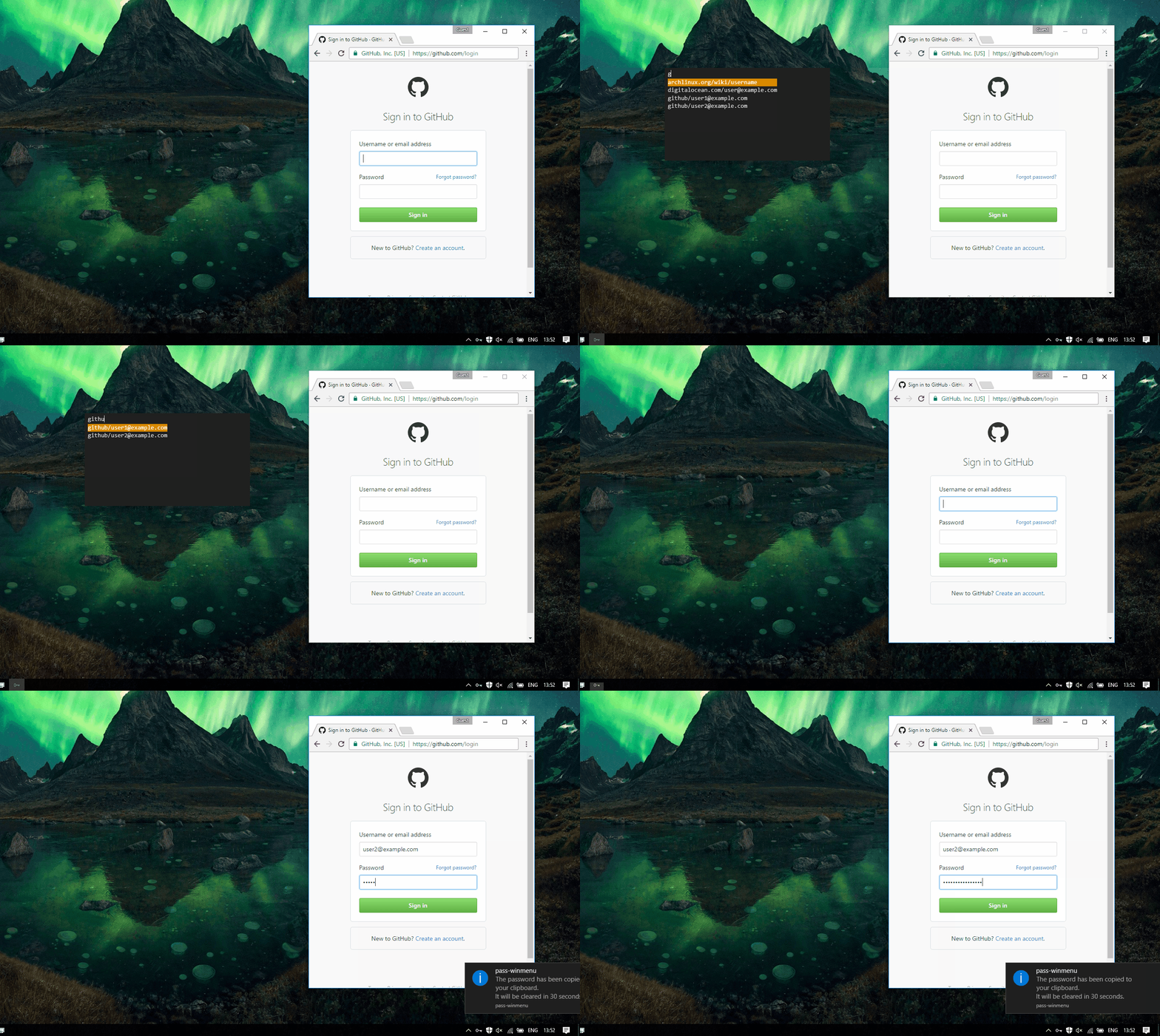
Pass-winmenu follows the philosophy of (and is compatible with) the Linux password manager pass, which defines an open standard for password management that's easy to extend and customise to your personal requirements.
Features
- Cryptography is handled by GPG.
- The directory structure for passwords is intuitive and allows you to organise your passwords with your file manager.
- Because the passwords are simply stored in a directory tree, it's easy to synchronise your password store using any version control software of your choosing, giving you synchronisation, file history, and redundancy
- The password files are always encrypted and can only be decrypted with your private GPG key, which is secured with a passphrase.
Package Parameters
/InstallDir- Installation location, by default$(Get-ToolsLocation)\pass-winmenu./PasswordStore- Location of the password store, by default$HOME\.password-store./GpgId- Email address of the GPG key to be used.
Notes
- You need to have an existing GPG key. If not, the store will not work until you create one using
gpg --gen-key. - If you use git to sync the passwords with multiple environments, you need to install it along with this package since git synchronization is not mandatory:
cinst pass-winmenu git.
عدد التنزيلات: 835
الحجم: 1.79 MB
تاريخ التحديث: 28.01.2019
خطة التوزيع: برنامج مجاني
أنظمة التشغيل: Windows 7 x64, Windows 8 x64,
Windows 8.1 x64, Windows 10 x64, Windows 11 x64
Windows 8.1 x64, Windows 10 x64, Windows 11 x64